
Status
The Status page lets you check out which of Invite Tracker's shards have outages and which are fully operational.
Finding The Status Page
The Status page can be found either by accessing the dashboard and clicking "Status" located at the top of the page, or you can simply just click this link:
https://invite-tracker.com/status
Using The Status Page
Finding Your Server's Shard
To find out which cluster and shard your server is on, copy and paste your server's ID into the Server ID text box in the Find your server's shard section. After clicking the Look up button, the page displays which cluster and shard your server is located on.
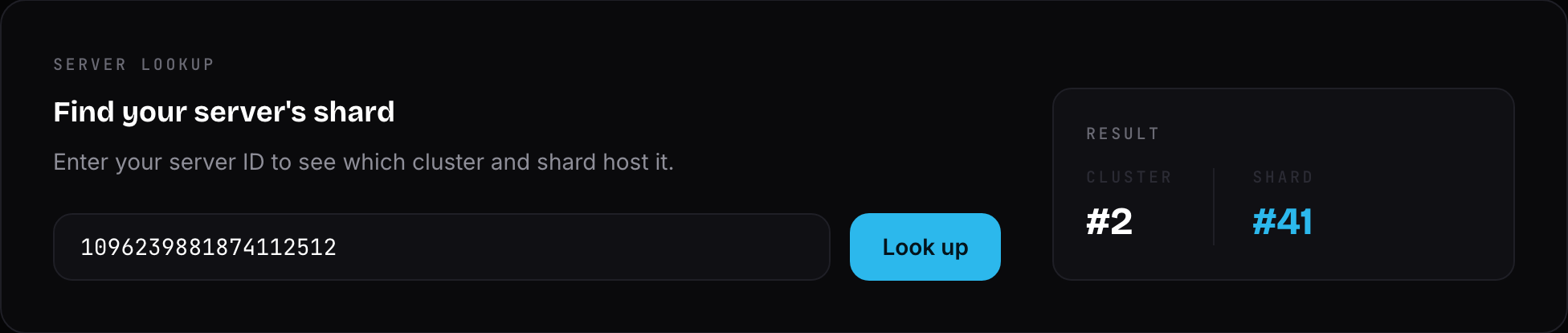
Invite Tracker Status
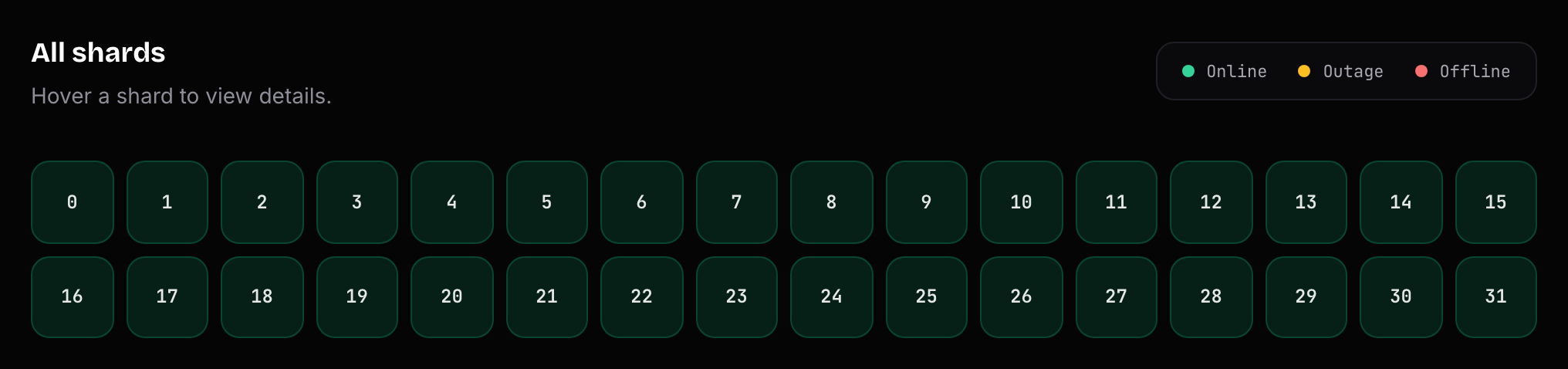
Once you have the shard number, head down to the All shards grid at the bottom of the page. Every box represents a shard. Locate the box with your server's shard number and hover over it to view its details, including its current ping.
INFO
If a shard is colored green, it is online and operational. Invite Tracker is fully functional.
If a shard is colored yellow, it has an outage with unstable ping. Invite Tracker may experience lag.
If a shard is colored red, it is offline. Invite Tracker will not respond on servers hosted by that shard.