My Account
Manage your Premium subscriptions from one place on the "My Account" page!
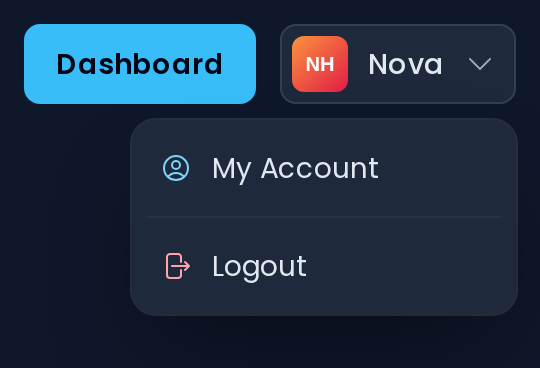
When you are logged in, your username is displayed at the top right of the website. Click it and you will have the options My Account and Logout.
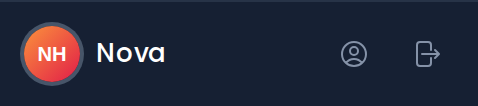
While you are in a server's dashboard, you can also open My Account with the profile icon next to your username at the bottom of the sidebar.
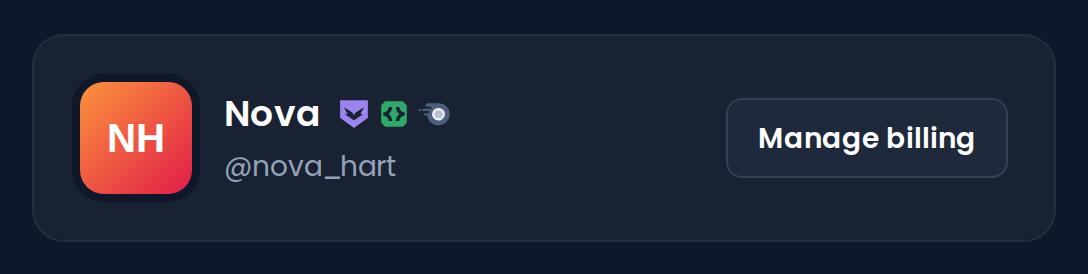
You will be presented with your avatar, username and Discord badges. The Manage billing button opens the billing portal, where you can cancel your subscription, manage your payment information, and download your invoices.
WARNING
The Manage billing button only works if you have purchased a subscription on the Invite Tracker website.
To cancel a subscription bought through Discord, click here.
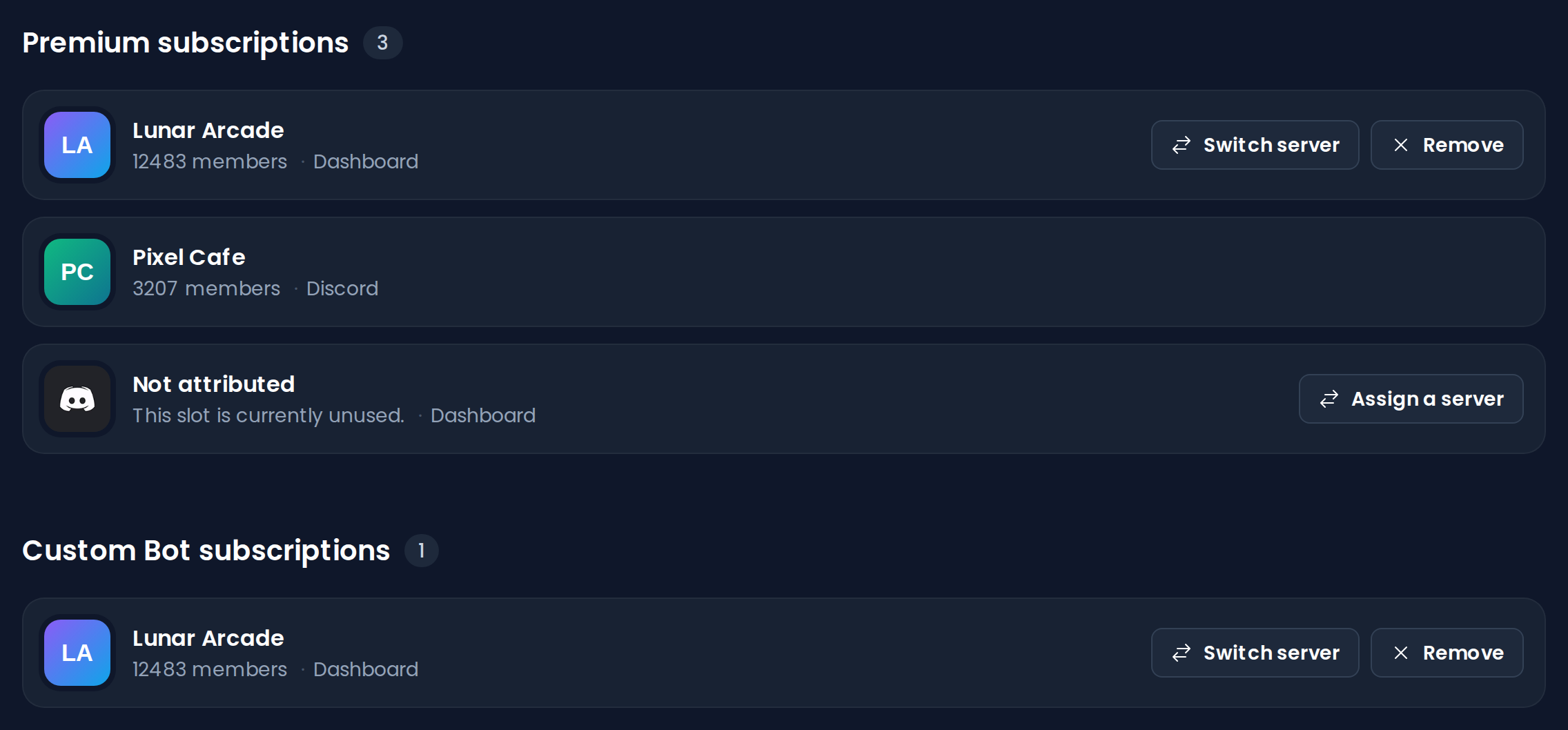
Below is a list of your current subscriptions, split into Premium subscriptions and Custom Bot subscriptions if applicable. Each one shows the server it is attached to, its member count, and which platform the subscription is from. The Switch server button allows you to move a subscription to another server with a selector (on an unused subscription it reads Assign a server). The Remove button allows you to remove the subscription from the selected server, so you can assign it to another server later.
INFO
The server selector only lists servers you manage that have Invite Tracker and that do not already have Premium or a Custom Bot.
WARNING
Subscriptions bought through Discord cannot be moved or removed here, so they show no buttons. To move a Discord subscription, you need to cancel it and resubscribe with the desired server. Click here to find out how.